
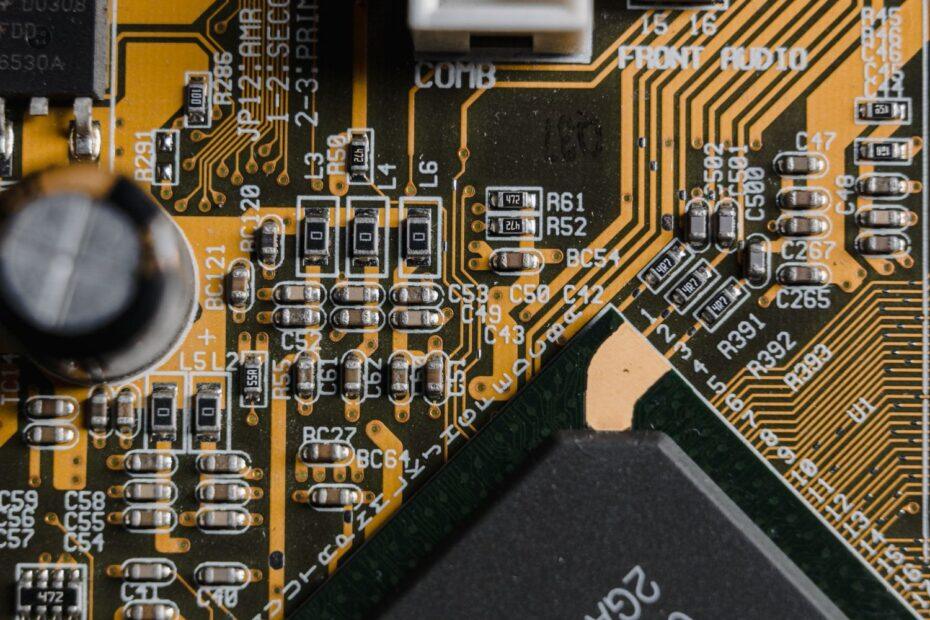
When assembling a personal computer, selecting the right components is crucial for performance, compatibility, and future upgrades. Among the foundational elements is the motherboard, the central hub connecting all other parts. However, before diving into CPU sockets or RAM types, it's essential to understand the physical footprint of the motherboard itself, known as its form factor. The most prevalent motherboard form factors in today's market are ATX, Micro-ATX, and Mini-ITX, each offering distinct advantages and limitations that directly affect PC case selection, expansion capabilities, and overall system design.
The concept of a form factor standardizes the physical dimensions and mounting hole locations of motherboards, ensuring compatibility with PC cases and power supplies. This standardization simplifies the building process and allows for a degree of interchangeability across different manufacturers. Without these standards, building a custom PC would be significantly more complex, requiring bespoke cases and custom mounting solutions for every unique motherboard design.
ATX: The Established Standard
The Advanced Technology eXtended (ATX) form factor has long been the de facto standard for mainstream desktop PCs. Measuring approximately 12 by 9.6 inches (305 by 244 mm), ATX motherboards offer ample physical space. This generous real estate translates into more expansion slots, typically accommodating up to seven PCI Express (PCIe) slots, allowing for multiple graphics cards, sound cards, network adapters, and other add-in components. The larger size also facilitates better component spacing, which can aid in heat dissipation and make installation easier, especially for larger CPU coolers and graphics cards. ATX motherboards are commonly found in standard mid-tower and full-tower cases, providing a balance of expandability and manageable size for most users.
Micro-ATX: The Versatile Middle Ground
Micro-ATX (often abbreviated as mATX) is a smaller, more compact version of ATX, measuring typically 9.6 by 9.6 inches (244 by 244 mm). While shorter than ATX, it often retains much of its width, allowing for a good number of expansion slots, usually up to four or five PCIe slots. This makes Micro-ATX a popular choice for users who want a system that is more space-efficient than a full ATX build but still offers decent expandability. Many Micro-ATX motherboards can fit into smaller cases, including some compact mid-towers and dedicated Micro-ATX cases, offering a flexible solution for builds where space is a consideration without sacrificing too much in terms of connectivity.
Mini-ITX: The Compact Champion
The Mini-ITX form factor represents the smallest of the common standards, measuring a mere 6.7 by 6.7 inches (170 by 170 mm). Designed for ultra-compact systems, Mini-ITX motherboards sacrifice expansion slots for extreme portability and space-saving. Typically, they feature only one PCIe slot, primarily intended for a single graphics card or other expansion card. While limited in expansion, Mini-ITX boards are perfect for small form factor (SFF) builds, home theater PCs (HTPCs), or compact workstations where size is the absolute priority. Despite their small dimensions, modern Mini-ITX boards often include integrated Wi-Fi and Bluetooth, and many support high-performance components, proving that small size doesn't necessarily mean low power.
Key Differences and Considerations
The choice between these motherboard form factors hinges on several key considerations. Expansion capability is a primary differentiator; ATX offers the most, Micro-ATX a good balance, and Mini-ITX the least. This directly impacts how many additional cards you can install. Case compatibility is also paramount; a larger motherboard requires a larger case, while smaller form factors enable more compact system designs. Cooling can also be influenced, as larger motherboards might offer more space for airflow and fan mounting, though well-designed smaller systems can also achieve excellent thermal performance. Finally, price often correlates with size and features, with Mini-ITX boards sometimes commanding a premium due to their specialized design and integrated features, while ATX boards offer a wide range of options across all price points.
Understanding these motherboard form factors is a foundational step in building or upgrading a PC. Each standard serves different needs, from the full expandability of ATX to the compact efficiency of Mini-ITX. By considering your specific requirements for expansion, desired system size, and budget, you can confidently select the motherboard form factor that best suits your next computing project.
Related reading
- Demystifying Computer Power Connectors and Cabling
- Understanding CPU Socket Types and Motherboard Compatibility
- Navigating the Maze of Motherboard Chipsets: Finding the Right Foundation for Your CPU