
Understanding the Visual Engine of Your Computer
At the heart of any computer's ability to display images, videos, and complex visual interfaces lies the Graphics Processing Unit (GPU). When discussing GPUs, two primary categories emerge: integrated graphics and dedicated graphics. Understanding the fundamental differences between these two types is essential for anyone looking to build a new PC, upgrade an existing one, or simply grasp how their computer handles visual tasks.
What Are Integrated Graphics?
Integrated graphics, often abbreviated as iGPU, are graphics processing capabilities built directly into the CPU (Central Processing Unit) or, less commonly, onto the motherboard itself. This means the graphics processing unit shares resources, such as RAM and processing cores, with the CPU. Because they are part of the main processor, integrated graphics solutions are typically found in mainstream and budget-oriented CPUs, making them a standard feature in many laptops and desktop computers designed for everyday tasks.
Pros of Integrated Graphics:
- Cost-Effective: Since they are integrated into the CPU, there's no separate component to purchase, leading to lower overall system costs.
- Power Efficiency: iGPUs consume less power than their dedicated counterparts, contributing to longer battery life in laptops and reduced energy bills for desktops.
- Compact Design: They require less physical space within the computer, allowing for smaller form factors, particularly in laptops and mini-PCs.
Cons of Integrated Graphics:
- Limited Performance: They are generally less powerful than dedicated GPUs, making them unsuitable for demanding tasks like high-end gaming, professional video editing, or complex 3D rendering.
- Shared Resources: Relying on system RAM can impact overall system responsiveness, especially when running multiple applications or memory-intensive programs.
What Are Dedicated Graphics?
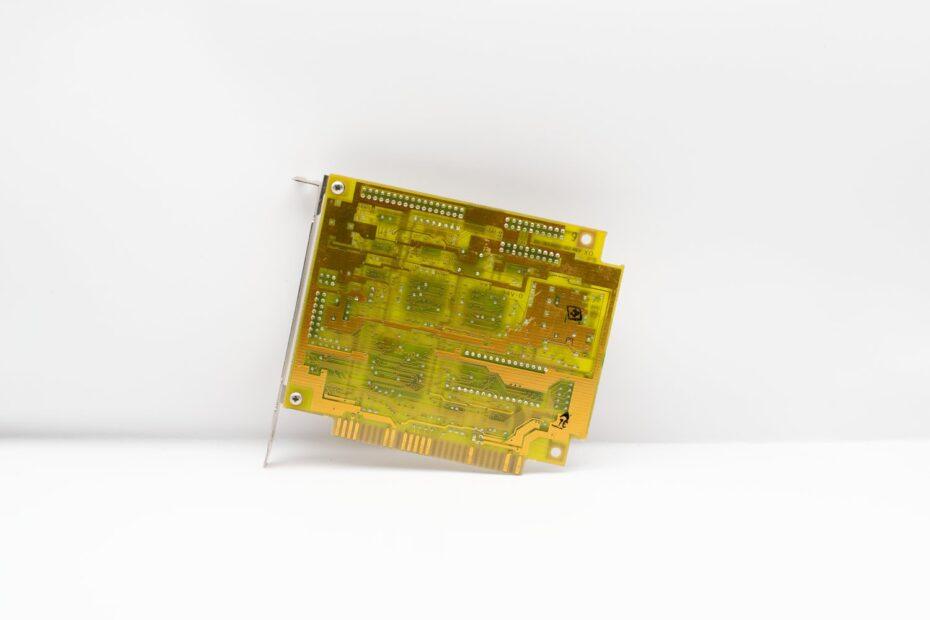
Dedicated graphics, also known as discrete graphics, involve a separate, independent graphics card (or GPU) that is plugged into a slot on the motherboard, typically a PCIe slot. These graphics cards have their own dedicated video memory (VRAM), cooling systems, and processing cores, allowing them to handle graphics-intensive tasks without directly competing for resources with the CPU. Dedicated graphics cards range from entry-level models to extremely powerful units capable of driving multiple high-resolution displays and running the most demanding applications.
Pros of Dedicated Graphics:
- Superior Performance: Dedicated GPUs offer significantly higher performance, enabling smooth gameplay at high settings, faster rendering times, and the ability to handle complex visual workloads.
- Dedicated VRAM: Having its own memory ensures that graphics tasks do not consume system RAM, leading to better overall system performance.
- Advanced Features: Often include support for the latest graphics technologies, higher refresh rates, and multiple display outputs.
Cons of Dedicated Graphics:
- Higher Cost: Dedicated graphics cards are a significant additional expense, with high-end models costing more than entire budget-level PCs.
- Increased Power Consumption: They require more power, necessitating a robust power supply unit (PSU) and potentially leading to higher electricity usage.
- Larger Size and Heat: Discrete GPUs are physically larger and generate more heat, requiring adequate case ventilation and cooling solutions.
Key Differences Summarized
The primary distinction between integrated graphics and dedicated graphics lies in their architecture and performance capabilities. Integrated graphics are a cost-effective, power-efficient solution for basic visual output, while dedicated graphics are performance-oriented components designed for demanding visual workloads. The choice hinges on your specific computing needs, budget, and the types of applications you intend to run.
Choosing the Right GPU for Your Needs
For users whose primary activities include web browsing, word processing, watching videos, and light multitasking, integrated graphics are often perfectly adequate and provide excellent value. However, if you are a gamer, a content creator working with video or 3D models, a graphic designer, or anyone who pushes the boundaries of visual computing, a dedicated graphics card is almost certainly necessary to achieve satisfactory performance.
When considering a new PC or an upgrade, assess your primary use cases. For a general-purpose home or office computer, integrated graphics often suffice. For a gaming rig, a workstation, or a machine intended for creative professional applications, investing in a capable dedicated graphics card will yield a vastly superior experience.