
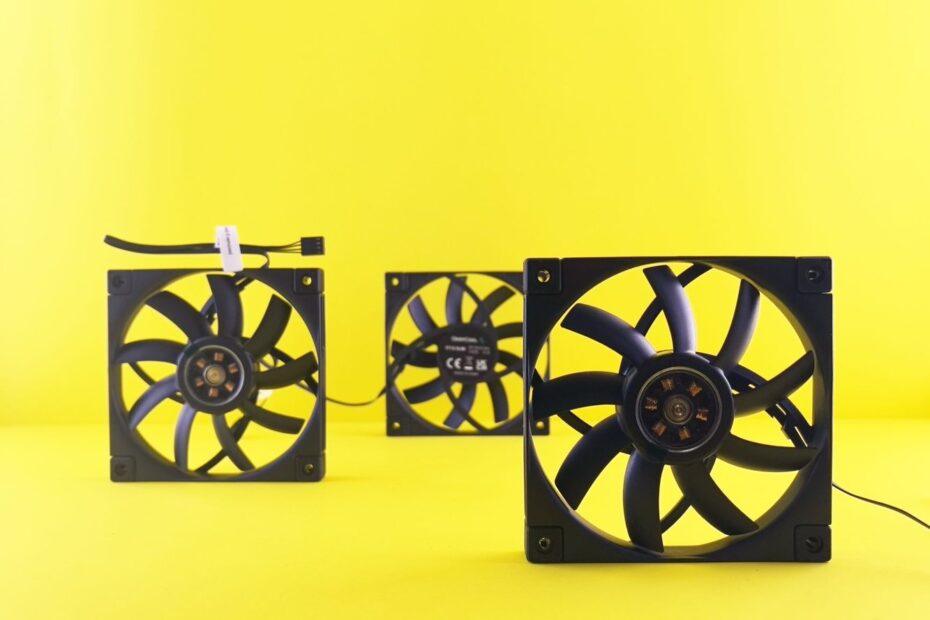
In the realm of personal computing, keeping internal components at optimal temperatures is paramount for both performance and the lifespan of your hardware. As processors and graphics cards become more powerful, they also generate more heat. This leads many builders and upgraders to consider different cooling methods. The primary contenders in this space are traditional air cooling and increasingly popular liquid cooling. Understanding the nuances of each can help you make an informed decision for your next PC build or upgrade.
Understanding Air Cooling
Air cooling has been the standard for decades and remains a highly effective and accessible method for managing heat. At its core, air cooling relies on a heatsink, typically made of aluminum or copper, attached directly to the component (like the CPU or GPU). This heatsink has many fins designed to increase its surface area. A fan, mounted on or near the heatsink, then blows air across these fins, dissipating the heat away from the component and out of the computer case. The effectiveness of an air cooler is determined by the size of the heatsink, the material it's made from, and the airflow provided by the fan. For many users, especially those with mid-range components or who do not push their systems to the absolute limit, a well-designed air cooler provides sufficient thermal management. They are often simpler to install, generally more durable due to fewer moving parts, and typically less expensive than their liquid counterparts. Furthermore, modern air coolers can be remarkably quiet, dispelling the myth that all air cooling solutions are noisy.
Exploring Liquid Cooling
Liquid cooling, also known as water cooling, offers a different approach to thermal management. Instead of relying solely on air, it uses a liquid coolant (usually a mixture of distilled water and additives) to transfer heat. A typical All-In-One (AIO) liquid cooler consists of a water block that attaches to the component, a pump to circulate the liquid, tubing to connect the components, and a radiator with fans to dissipate the heat from the liquid into the ambient air. The liquid absorbs heat from the component via the water block and is then pumped to the radiator, where the fans cool the liquid before it circulates back to the component. Liquid cooling is often perceived as more efficient, especially for high-performance components that generate significant heat. It can also offer aesthetic advantages, with cleaner builds and customizable lighting. Compared to air cooling, liquid cooling is influenced less by the ambient temperature within the case, as the radiator is often mounted to exhaust heat directly outside the chassis. However, liquid cooling systems are generally more complex, involve more potential points of failure (such as pump or leaks), can be more expensive, and may require more involved installation.
Choosing the Right Solution
The choice between air and liquid cooling often comes down to a balance of performance needs, budget, aesthetic preferences, and ease of maintenance. For general use, gaming, and even moderate overclocking, high-end air coolers are more than capable of keeping components within safe thermal limits, often at a lower cost and with greater reliability. They represent a robust and proven method for Cooling Your Components. Liquid cooling, particularly AIOs, shines when dealing with extremely high-heat-generating CPUs or GPUs, or when users are pursuing extreme overclocking and require maximum thermal headroom. Custom liquid cooling loops offer the ultimate in performance and aesthetics but come with a significant price tag and require advanced knowledge for installation and maintenance. It's also worth noting that many high-performance systems utilize a hybrid approach, employing liquid cooling for the CPU while relying on efficient case airflow and component-specific fans for GPUs and other parts. Ultimately, both air and liquid cooling solutions have evolved significantly, offering effective ways to manage heat and ensure your PC operates smoothly.
Related reading
- Building a Budget-Friendly PC: Smart Component Choices for Maximum Value
- How to Safely Remove and Install Computer Components Without Causing Damage