
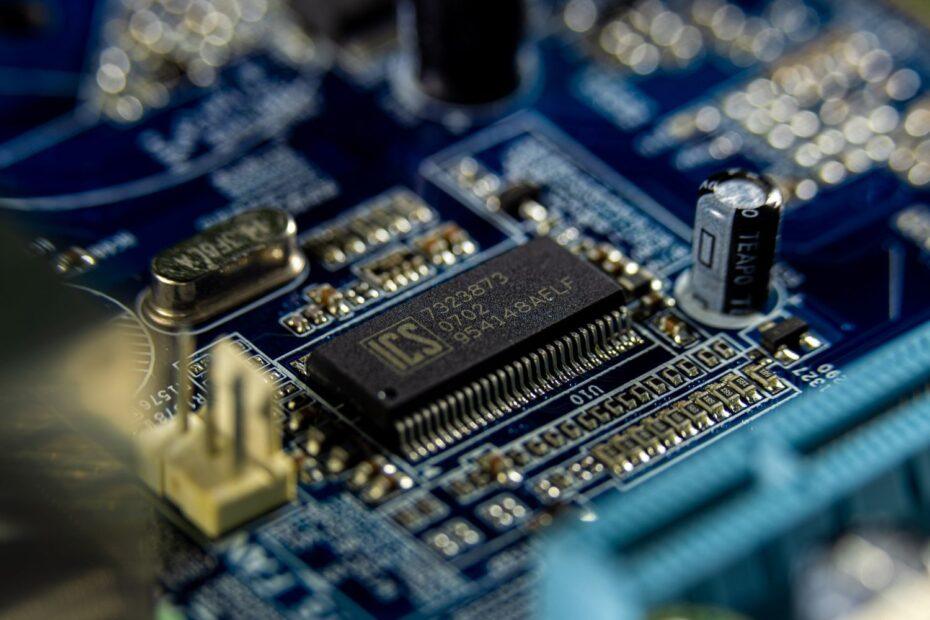
Every time you power on your computer, a complex sequence of events unfolds before you see your familiar desktop. At the heart of this process are two critical pieces of firmware: the Basic Input/Output System (BIOS) and its modern successor, the Unified Extensible Firmware Interface (UEFI). These systems act as the initial bridge between your hardware and the operating system, ensuring that all components are recognized and ready to function.
The Legacy of BIOS
The BIOS has been a foundational component of IBM PC-compatible computers for decades. Stored on a chip on the motherboard, its primary role is to perform the Power-On Self-Test (POST) when the computer starts. During POST, the BIOS checks essential hardware components like the CPU, RAM, graphics card, and keyboard to ensure they are present and functioning correctly. If any critical errors are detected, the BIOS will typically signal them through a series of beep codes or on-screen messages, helping users diagnose hardware issues. Following a successful POST, the BIOS identifies the boot device, which is usually the hard drive or SSD, and loads the bootloader from its first sector into memory. This bootloader then takes over the task of loading the operating system. While functional, the legacy BIOS has limitations, including a 16-bit architecture that restricts its addressing capabilities and a slower boot process compared to modern standards.
The Emergence of UEFI
Recognizing the limitations of BIOS, the industry developed UEFI, a more advanced and flexible firmware interface. UEFI is designed to replace the traditional BIOS and offers significant improvements. Like BIOS, UEFI is stored on flash memory on the motherboard and is responsible for initializing hardware and locating the bootloader. However, UEFI's architecture is far more sophisticated. It supports a 32-bit or 64-bit environment, allowing for larger memory addressing and faster boot times. One of its key advantages is its ability to boot from drives larger than 2.2 terabytes, a limitation of BIOS due to its Master Boot Record (MBR) partitioning scheme. UEFI utilizes the GUID Partition Table (GPT) for disk partitioning, which not only overcomes size limitations but also offers enhanced data integrity and support for more partitions. Furthermore, UEFI provides a more user-friendly graphical interface for configuration, often accessible with a mouse, and includes advanced features like secure boot, which helps protect against malicious software loading during startup by verifying the digital signature of boot components.
Key Differences and Functionality
The distinction between BIOS and UEFI extends beyond their age. UEFI offers a modular design, allowing for more features and drivers to be loaded during the boot process. This enables more complex operations, such as network booting and advanced diagnostics, directly from the firmware. While UEFI is the modern standard, many motherboards still offer a Compatibility Support Module (CSM) that allows them to emulate BIOS. This ensures backward compatibility with older operating systems and hardware that may not be UEFI-native. However, enabling CSM often negates some of UEFI's benefits, such as faster boot times and secure boot capabilities. The boot order selection menu is a common feature in both, allowing users to choose which device the computer attempts to boot from first. Understanding the role of the BIOS and UEFI is crucial for anyone looking to manage their computer's startup, troubleshoot boot issues, or configure advanced system settings.
Conclusion
The transition from BIOS to UEFI represents a significant evolution in how computers initialize. UEFI provides a more robust, secure, and efficient platform for booting modern hardware, supporting larger storage capacities and offering enhanced features. While BIOS laid the groundwork for PC startup, UEFI is the firmware that powers the advanced computing experiences of today and tomorrow, ensuring a smoother and more secure journey from power-on to operating system readiness.
Related reading
- The Role of Firmware Updates in Maintaining Component Performance and Security
- The Role of the Northbridge and Southbridge in Older Motherboard Architectures